
At Winchester Optics, we're dedicated to advancing thermal imaging technology and providing industry-leading performance. Product registration keeps you connected to important updates, new features, and expert resources designed to enhance your experience. Secure your investment, stay informed, and ensure your system is always operating at peak capability—because every advantage counts when reliability and performance matter most.
FIRMWARE INSTRUCTIONS
To successfully access and upload new firmware to your thermal device, please follow the instructions below:
1. Create an WinchesterOptics.com Account, sign up here.
2. Once you are signed in to your Account, head to the Product Registration Page to register your unit.
3. Once you have received confirmation that your product has been registered, you will see a "Firmware" section on the main menu with the option for your product series.
- If you do not see this option, please reach out to support at wso.support@winchesteroptics.com.
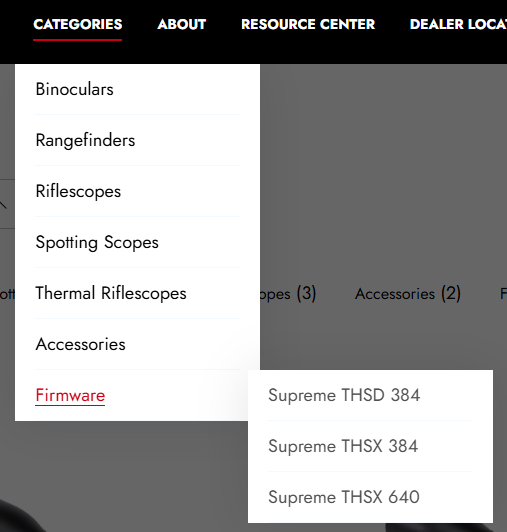
4. Select the firmware relevant to the product you are looking to update.
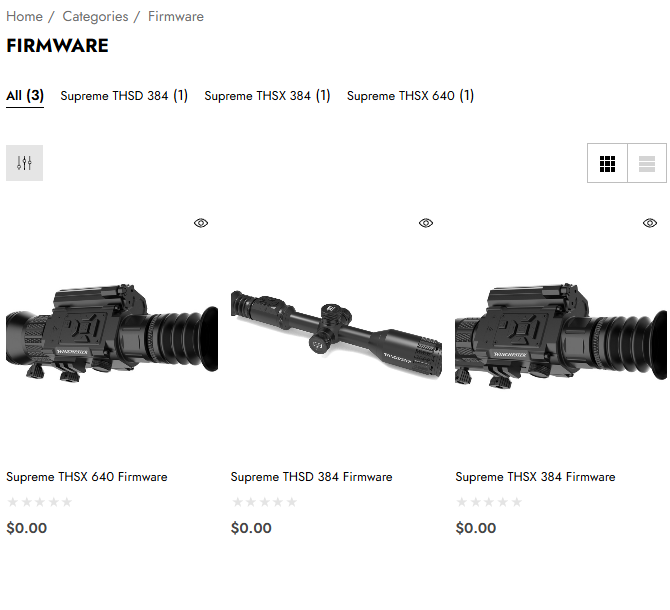
5. Once on the page, Add to Cart.
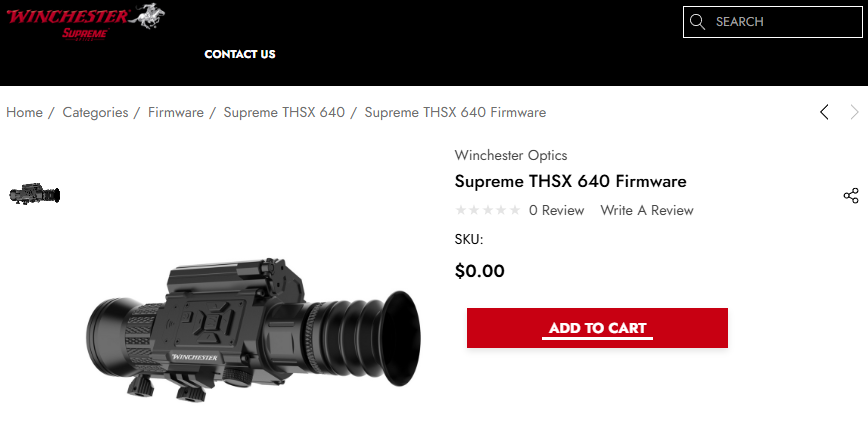
6. Follow the checkout process, no payment will be required.
7. Once you have processed your order, you will receive an email with a link to download the firmware.
- If for any reason you do not receive an email, you can locate and download the files by heading to Account > Orders.
8. Follow the firmware specific instructions provided with your downloaded files.